


Stop wasting time manually copying data between your essential business tools. Base44.com Integrations create a powerful, automated ecosystem for your software. Connect your favorite third-party apps in just a few clicks and watch your productivity soar. Our seamless API integrations act as a central hub, allowing your systems to communicate, share data, and work together in perfect harmony. Eliminate data silos, reduce human error, and free up your team to focus on what truly matters: growing your business. It’s time to unlock the full potential of your software stack.
- What Are Base44.com Integrations and Why Do They Matter?
- Core Benefits of Connecting Your Business Tools
- Exploring the Integration Marketplace by Category
- CRM & Sales Platforms
- Marketing Automation Tools
- Project Management & Collaboration Software
- A Step-by-Step Guide to Activating Your First Integration
- Finding and Selecting an App
- Authentication and Authorization Process
- Configuring Data Sync Settings
- Featured Integration Spotlight: Salesforce
- Featured Integration Spotlight: HubSpot
- Featured Integration Spotlight: Slack
- Unlocking Unlimited Possibilities with Zapier
- Managing Your Active Integrations
- Building Custom Connections with the Base44.com API
- Best Practices for a Stable and Secure Connection
- How We Ensure Data Security and Privacy
- Troubleshooting Common Connection Issues
- Customer Success Stories: Integrations in Action
- Frequently Asked Questions About Integrations
- Frequently Asked Questions
What Are Base44.com Integrations and Why Do They Matter?
Think of Base44.com Integrations as secure bridges between our platform and the other software you use every day. Instead of your apps working in isolation, our system integration allows them to talk to each other automatically. This process lets you share information, trigger actions, and keep everything perfectly in sync without any manual effort. Why is this critical? Because it creates a single source of truth for your business data. This ensures everyone on your team works with the most current information, leading to smarter decisions, enhanced efficiency, and a unified operational view.
Core Benefits of Connecting Your Business Tools
When you connect services with Base44.com, you transform how your business operates. The benefits go far beyond simple convenience. You will immediately see a positive impact across your entire organization.
- Boost Productivity: Automate repetitive tasks like data entry and report generation. Let the systems do the boring work so your team can focus on high-value activities.
- Enhance Data Accuracy: By eliminating manual data transfer, you drastically reduce the risk of costly human errors. Ensure your data is consistent and reliable across all platforms.
- Gain Deeper Insights: Centralize data from multiple sources to get a complete 360-degree view of your customers and operations. Uncover trends you would otherwise miss.
- Improve Team Collaboration: Keep everyone on the same page by making sure information from one department is instantly available to another. Break down communication barriers and foster teamwork.
Exploring the Integration Marketplace by Category
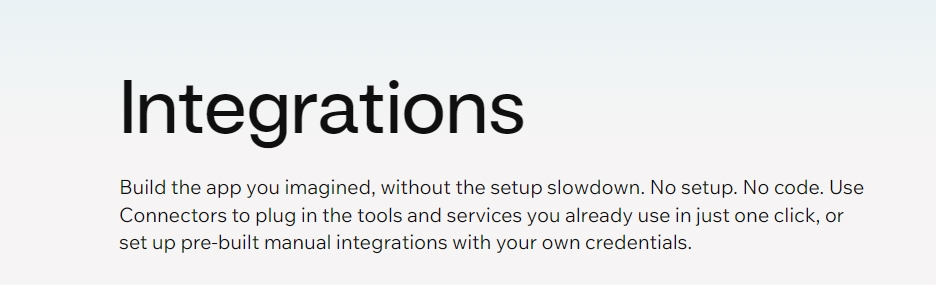
Finding the right connection for your needs is simple. We’ve organized our extensive library of API integrations into clear, intuitive categories. Whether you want to supercharge your sales pipeline, automate your marketing funnels, or streamline project delivery, you can easily browse third-party apps that fit your goals. Explore the categories below to discover how you can build a more powerful and connected software stack with Base44.com.
CRM & Sales Platforms
Connect your Customer Relationship Management (CRM) platform to Base44.com and empower your sales team. This system integration ensures that customer data flows seamlessly between both platforms. You can automatically sync new contacts, update deal stages based on project milestones, and log communication without ever leaving your primary workspace. This keeps your sales pipeline accurate, saves reps valuable time, and provides a unified view of every customer interaction.
Marketing Automation Tools
Bridge the gap between your marketing efforts and business operations. By connecting marketing automation software, you can trigger targeted campaigns based on user activity within Base44.com. Add new leads from our platform directly to your email lists, score leads based on their engagement, and track the entire customer journey from first touch to final sale. This creates a powerful, closed-loop system for nurturing leads and proving ROI.
Project Management & Collaboration Software
Keep your projects on track and your teams aligned. Integrating your project management tools allows for effortless task creation and progress tracking. Convert a new deal in your CRM into a project in Base44.com, then automatically create corresponding tasks in your favorite PM software. Updates, comments, and file attachments can sync back and forth, ensuring complete visibility and eliminating the need for constant status update meetings.
A Step-by-Step Guide to Activating Your First Integration
Getting your apps connected is a straightforward process designed to be completed in minutes, not hours. You don’t need to be a technical wizard to create powerful automations. Our guided setup walks you through each stage, from discovery to configuration. Follow the simple steps outlined below to activate your first of many Base44.com Integrations and start streamlining your workflow today.
Finding and Selecting an App
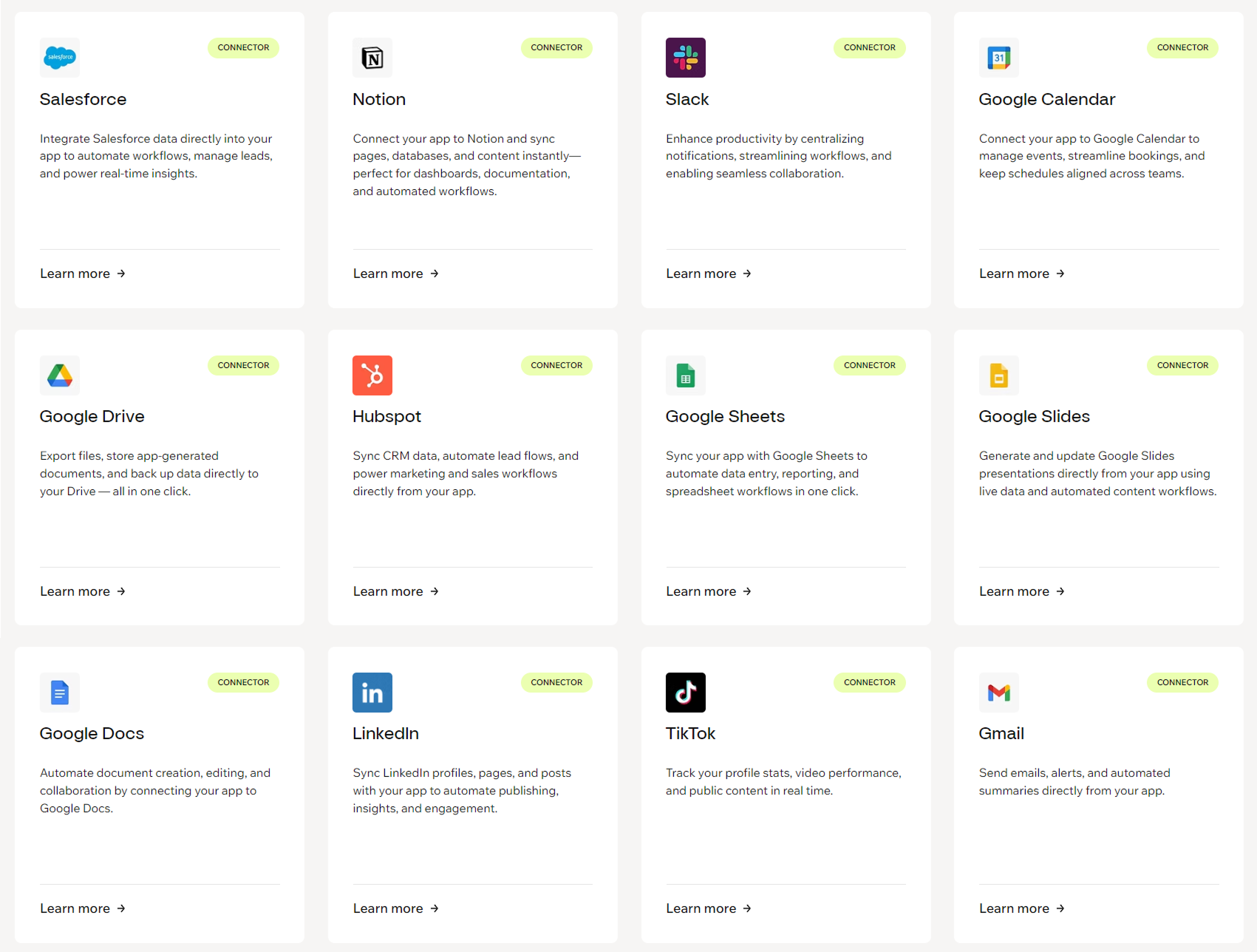
Your journey begins in our Integration Marketplace. Here, you can easily discover all available third-party apps. Use the search bar to find a specific tool by name, or browse through our organized categories to explore new possibilities. Each app listing includes a clear description of its functions and benefits. Take a moment to read what the integration does to ensure it aligns perfectly with the workflow you want to automate.
Authentication and Authorization Process
Once you select an app, the next step is to create a secure connection. This is the “digital handshake” between Base44.com and the other service. You will be prompted to authenticate, which usually involves logging in with your credentials for the third-party app. This process uses industry-standard security protocols to grant Base44.com permission to access data on your behalf. It’s a safe and secure step that you control completely.
Configuring Data Sync Settings
This is where you tell the integration exactly what to do. You have full control over how your data moves between systems. You can choose which specific information to sync (like contacts, tasks, or deals), set the direction of the data flow (one-way or two-way), and apply filters to include or exclude certain items. This customization ensures the integration works precisely the way your business needs it to.
Featured Integration Spotlight: Salesforce
Supercharge the world’s leading CRM with a direct Base44.com connection. Our Salesforce integration is designed to create a seamless link between your sales and operations teams. Eliminate manual data entry and provide your sales reps with up-to-the-minute project information right inside Salesforce. This API integration empowers you to:
- Automatically sync Accounts, Contacts, and Leads between both platforms.
- Update Salesforce Opportunity stages based on project progress in Base44.com.
- Create a unified view of the customer lifecycle from lead to project completion.
- Give your sales team the context they need to upsell and retain clients.
Featured Integration Spotlight: HubSpot
Align your marketing, sales, and service efforts by connecting HubSpot and Base44.com. This powerful system integration helps you deliver a superior customer experience from start to finish. Nurture leads more effectively and provide your team with the context needed to build lasting relationships. With this connection, you can:
- Sync new contacts from Base44.com to HubSpot for automated marketing campaigns.
- Create and update deals in the HubSpot CRM as projects evolve.
- Provide your service team with operational data for better support.
- Build a complete, closed-loop reporting system to track your entire flywheel.
Featured Integration Spotlight: Slack
Bring real-time notifications and crucial updates directly into your team’s conversations with our Slack integration. Stop switching between apps to stay informed. By connecting Base44.com to Slack, you can push important events into designated channels, keeping everyone in the loop without disrupting their workflow. Configure custom alerts to:
- Notify a channel when a new high-priority task is created.
- Announce when a major project milestone has been reached.
- Alert the sales team when a new lead signs up.
- Share project summaries and updates automatically.
Unlocking Unlimited Possibilities with Zapier
What if you need to connect a tool that isn’t in our marketplace? That’s where our Zapier integration comes in. Zapier acts as a universal translator for thousands of third-party apps across the web. By connecting Base44.com to Zapier, you can build custom “Zaps” to automate virtually any workflow you can imagine. This opens up a world of possibilities, allowing you to link our platform with niche industry software, internal tools, and almost any other service with an API. If you can dream it, you can probably automate it with Zapier.
Managing Your Active Integrations
You have complete control and visibility over all your connected services from a single, centralized dashboard. Within your Base44.com account settings, you can see a list of every active API integration. From this management hub, you can easily monitor the status of each connection, review activity logs to see what data has synced, and edit configuration settings at any time. If your needs change, you can also pause or securely disconnect an app with a single click.
Building Custom Connections with the Base44.com API
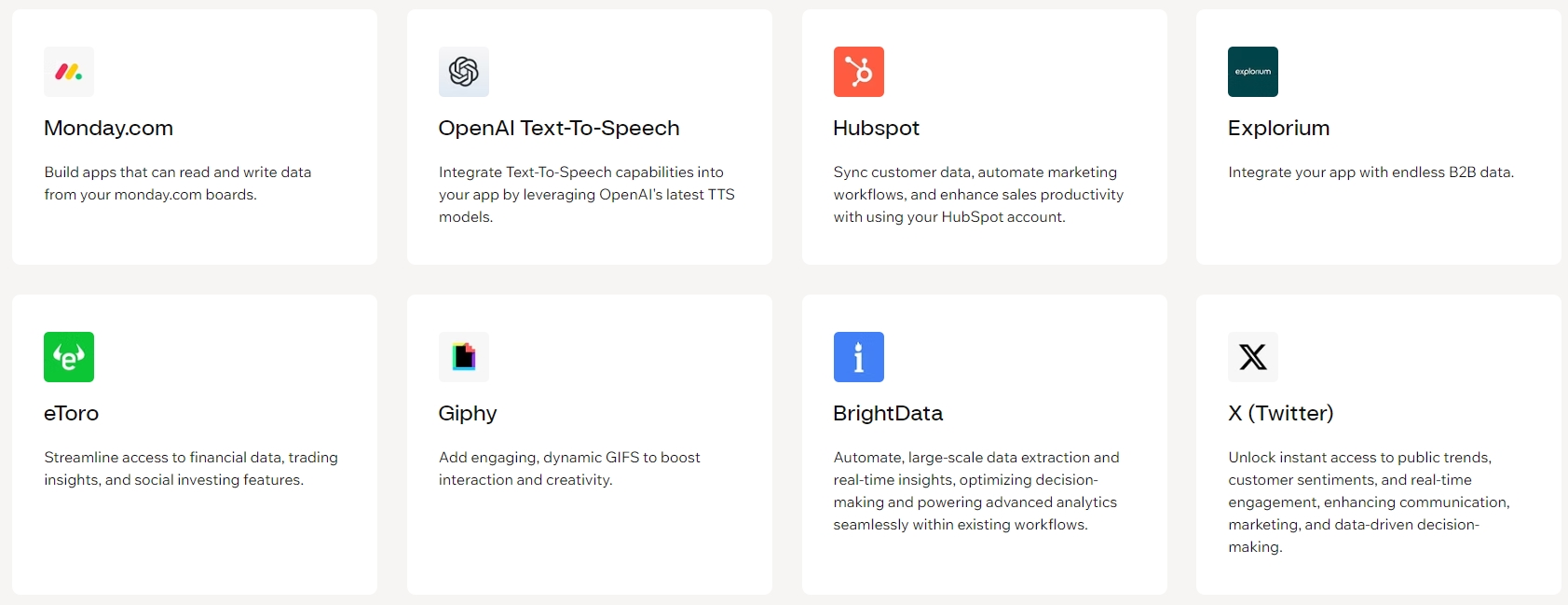
For businesses with unique requirements or proprietary software, we offer a powerful and flexible solution: the Base44.com API. Our well-documented, RESTful API provides your developers with the tools they need to build bespoke system integrations tailored to your exact specifications. Whether you want to connect an internal database, create a custom reporting tool, or develop a unique workflow not covered by our existing third-party apps, our API gives you the power to build it yourself.
Best Practices for a Stable and Secure Connection
To ensure your integrations run smoothly and securely, we recommend following a few simple best practices. These habits help maintain data integrity and protect your accounts from unauthorized access.
- Use Dedicated Credentials: Whenever possible, create a unique user account or API key for the integration rather than using a personal login. This makes it easier to manage permissions.
- Implement the Principle of Least Privilege: Only grant the integration the permissions it absolutely needs to perform its function. Avoid granting full administrative access.
- Test Before Deploying: Start by syncing a small, non-critical subset of data to confirm that everything works as expected before activating the integration for your entire organization.
- Monitor Activity Logs: Periodically check the integration logs to ensure data is flowing correctly and to spot any potential issues before they become major problems.
How We Ensure Data Security and Privacy
Your trust is our top priority. We’ve built the Base44.com Integrations framework with security at its core. All data transferred between our platform and third-party apps is encrypted in transit using industry-standard TLS encryption. We utilize secure authentication methods like OAuth 2.0, which means you never have to share your passwords for other services with us. We are committed to protecting your data and adhering to global privacy standards, ensuring your information is always handled responsibly and securely.
Troubleshooting Common Connection Issues
Even the most reliable systems can sometimes face a hiccup. Most common issues can be resolved quickly with a few simple checks. If you encounter a problem with one of your Base44.com Integrations, consult this table for a fast solution.
| Common Issue | Quick Solution |
|---|---|
| Authentication Error | The most common cause is an expired password or revoked API key. Simply re-authenticate the connection from your integration settings to resolve it. |
| Data Isn’t Syncing | Check your sync configuration. Ensure you have mapped the correct fields and that your filters are not accidentally excluding the data you expect to see. |
| Partial or Incomplete Data | This may be due to missing data in a required field on one platform. Review the activity log for specific error messages that identify the problematic records. |
Customer Success Stories: Integrations in Action
Don’t just take our word for it. See how businesses like yours are using Base44.com Integrations to achieve remarkable results. Our customers have transformed their operations by creating a connected software ecosystem.
“Connecting Base44.com to our CRM saved our sales team over 10 hours per week. The manual data entry we used to dread is now completely automated, and our pipeline data has never been more accurate. It’s been a total game-changer for our productivity.”
“The Slack integration is brilliant. My project managers get real-time updates on critical tasks right where they work. We’ve cut down on status meetings and improved our response time to client needs because key information is instantly visible to the whole team.”
Frequently Asked Questions About Integrations
Have questions? We have answers. Here are some of the most common queries we receive about connecting third-party apps to Base44.com.
Is there an extra cost for using integrations?
Access to our marketplace and the ability to connect services is included with your Base44.com subscription. Please note that the third-party apps you connect to may have their own separate subscription fees.
How many applications can I connect?
The number of active integrations you can have depends on your subscription plan. You can find detailed information on our pricing page or by contacting our sales team.
What happens if an app I need isn’t listed?
If you can’t find a direct integration, we highly recommend exploring Zapier, which connects Base44.com to thousands of other applications. For more complex needs, your development team can use our public API to build a custom connection.
Frequently Asked Questions
What are Base44.com Integrations?
Base44.com Integrations are secure connections that allow our platform to communicate with the other software you use. They enable automatic data sharing, action triggers, and synchronization between apps without manual effort, creating a unified system for your business.
What are the core benefits of connecting my business tools?
By integrating your tools, you can boost productivity by automating tasks, enhance data accuracy by reducing human error, gain deeper insights by centralizing data, and improve team collaboration by ensuring everyone has access to up-to-date information.
How do I activate a new integration?
The process is simple. First, find and select the app you want to connect in our Integration Marketplace. Next, you’ll go through a secure authentication process. Finally, you configure the data sync settings to control exactly how the information flows between the two systems.
What should I do if an app I need isn’t in the marketplace?
If a direct integration isn’t available, you have two powerful options. You can use our Zapier integration to connect to thousands of web applications, or your development team can build a completely custom connection using our robust and well-documented API.
How is my data kept secure during integration?
Security is a top priority. All data transferred is encrypted in transit using industry-standard protocols. We also use secure authentication methods like OAuth 2.0, meaning you never need to share your passwords for third-party services directly with us.